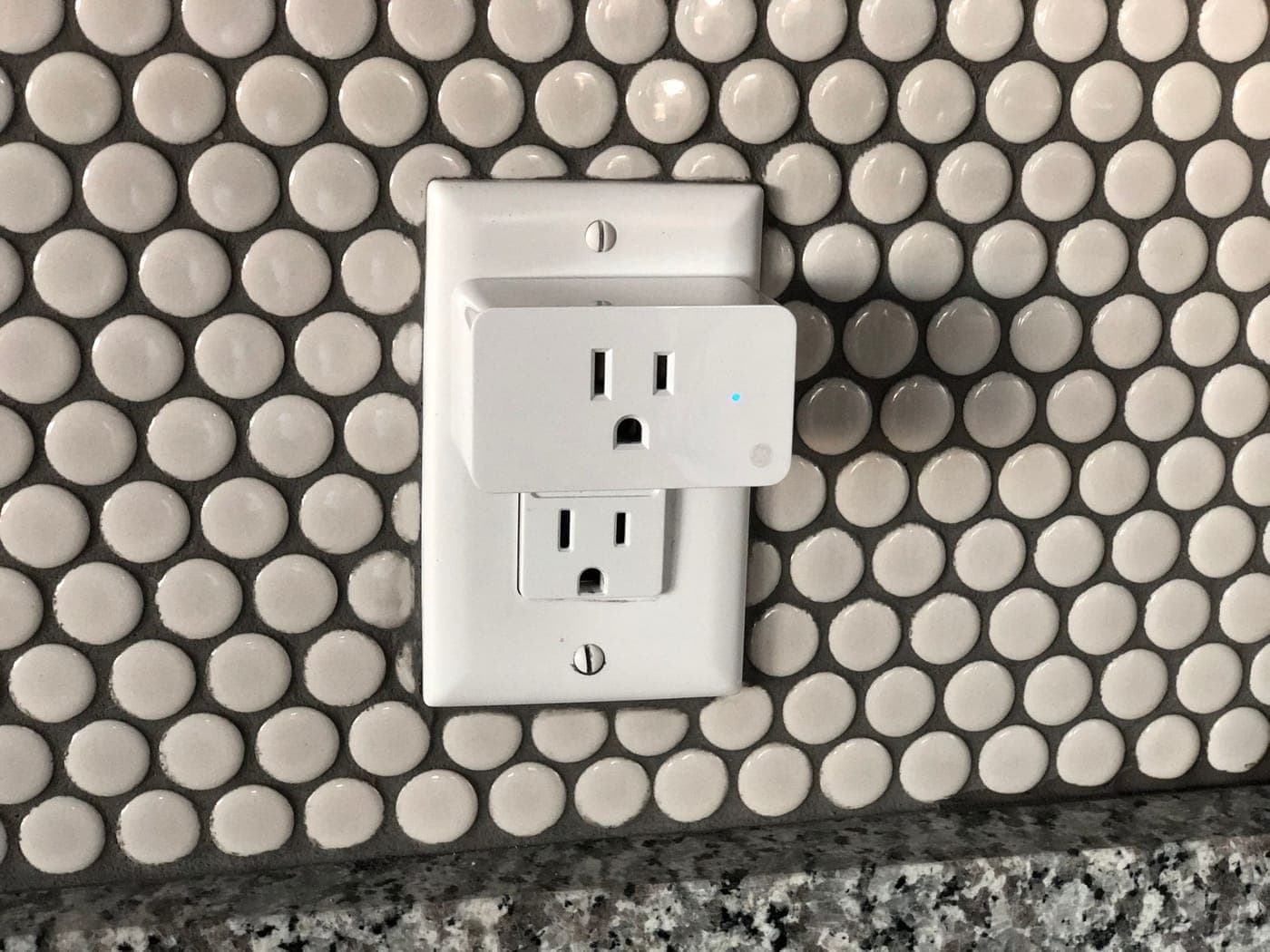
Smart bulbs stop responding when the wall switch is turned off because they lose both power and their wireless connection. A smart switch solves this by keeping the radio in the switch itself, allowing the light to be controlled manually, via phone apps, voice assistants, schedules, or automation sensors. Smart plugs and outlets provide this same functionality for lamps and small appliances.
Most smart switches require a neutral wire to power their internal electronics when the light is turned off. While the National Electrical Code has mandated a neutral wire at most switch boxes since 2011, older homes often use "switch loops" that carry only the hot wires down to the box. This configuration limits your choice of compatible smart switches and alters how they must be wired.
While the physical wiring process is identical for Wi-Fi and Z-Wave switches, it is best to choose a single ecosystem before installation to ensure all the devices in your home can communicate and work together seamlessly.
What This Covers
- Wi-Fi smart switches and dimmers
- Z-Wave switches and dimmers for hub-based systems
- In-wall smart outlets
- Smart plugs for lamps and small appliances
- Neutral wires added to older switch boxes
- Smart control of three-way and four-way lighting
- Occupancy sensors, timers and scheduled lighting
- Deeper boxes where a smart device won't fit
Signs It’s Time to Call
- Lights you'd like on a schedule or on your phone
- A smart switch you bought has a wire with nowhere to go
- The instructions call for a neutral and you're not sure the box has one
- Smart bulbs stop responding whenever someone uses the wall switch
- Hall, closet or garage lights that should turn themselves off
The Process
Settle the System
Select your preferred platform—whether direct Wi-Fi or a dedicated Z-Wave hub—alongside the specific lights and outlets you intend to automate. Next, choose hardware that is fully compatible with that ecosystem and rated for the specific bulbs they will control.
Look for a Neutral
With the circuit breaker turned off, inspect each switch box to confirm the presence of a neutral wire and a ground wire, while also checking the box depth and wire composition. These physical conditions dictate which smart devices can be safely installed in each location.
Wire the Devices
If a neutral wire is required but missing from the box, route a new neutral line to the location or select a specialized smart switch engineered to operate without one. For three-way configurations, wire the circuit strictly to the manufacturer's specifications, which frequently entails installing a matching companion switch at the secondary location.
Ready to Pair
Test the manual functionality of every device directly at the wall first, ensuring it receives power and operates the load locally before initiating the pairing process with your smart home app or central hub.
Common Questions
Do smart switches need a neutral wire?
Most do. A smart switch is never truly off, as its internal radio and electronics require a constant trickle of power, which the neutral wire provides by completing the electrical circuit. In older configurations like a switch loop, there is no neutral wire present—only the hot wires running to and from the light fixture.
If your switch box lacks a neutral, running a new neutral line to the box offers the most flexible, long-term solution. Alternatively, you can select specialized smart switches and dimmers engineered to operate without a neutral wire, though these models sometimes limit the types of bulbs you can use. Another option is to install the smart control module at the light fixture itself, where a neutral wire is already present.
Which is better for smart switches, Wi-Fi or Z-Wave?
Wi-Fi switches are the easiest entry point for a basic setup. Each switch links directly to your existing wireless router without requiring extra equipment. However, as you scale up your automation, every individual switch becomes an additional device competing for bandwidth on your home network.
Z-Wave devices operate on a dedicated, low-power frequency completely separate from your crowded Wi-Fi bands. They communicate using a mesh network where each powered device passes signals along to the next, organically expanding your coverage range. This makes Z-Wave highly dependable for comprehensive, whole-home systems, though it does require the added investment of a compatible central hub. If you already have a smart hub or an integrated security system, choosing matching Z-Wave switches is usually the superior choice.
What happens when the Wi-Fi or the internet goes down?
The switch will continue to function manually at the wall just like a traditional light switch. However, remote app control from outside your home and voice commands will generally stop working without internet access, whereas automated schedules stored directly on the switch hardware or managed by a local smart hub will typically continue to run without interruption.