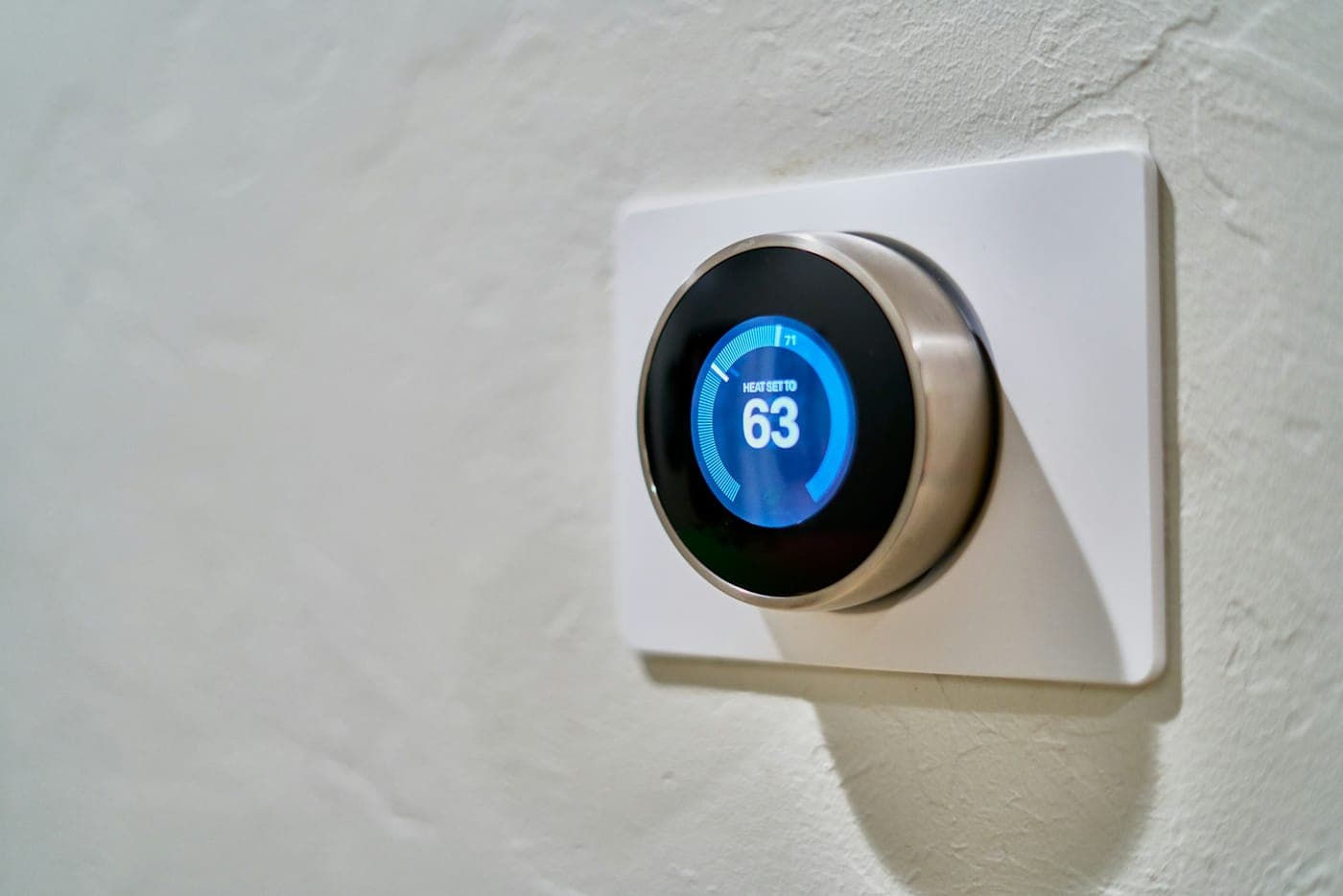
The box claimed it was an afternoon's work. Instead, the smart thermostat kept rebooting, the video doorbell dropped offline, or the chime began to hum. Most smart home devices install easily as long as the underlying wiring matches what the new hardware expects; when it does not, these are the exact symptoms that emerge.
A smart thermostat requires continuous 24-volt power to run its display and Wi-Fi, which it draws through a common wire, or C-wire. Because older thermostats did not require this dedicated power source, the cables originally run for them often lack a spare conductor. Similarly, a wired video doorbell typically requires 16 to 24 volts AC, demanding more electrical capacity than a small, decades-old chime transformer is able to supply.
While these individual control circuits operate on low voltage, each one originates at a transformer connected directly to standard household line voltage, meaning that replacing a transformer is electrical work. The same applies to installing a new outlet for a smart lock, keypad, or hub, or running speaker lines through walls and ceilings for a multi-room audio system.
What This Covers
- Adding a C-wire for a smart thermostat
- New thermostat cable where the old one has no spare wire
- Replacing an undersized doorbell transformer
- Wiring for video doorbells and chimes
- Power for hardwired smart locks, keypads and electric strikes
- Outlets for hubs, bridges and streaming amplifiers
- In-wall and in-ceiling speaker cable for multi-room audio
Signs It’s Time to Call
- Your smart thermostat reboots or shows a low-power warning
- The new thermostat wants a C-wire you don't have
- A video doorbell goes offline, or the chime hums
- A hub, bridge or powered lock has no outlet nearby
- You want speakers in several rooms with no wire showing
The Process
Send the Make and Model
Because installation guides explicitly outline the required voltage, transformer capacity, and wire counts, including your device's exact manufacturer and model number in your service request allows us to fully review the requirements prior to our arrival.
Look Behind the Old Device
We evaluate the existing wiring hidden behind your old thermostat base or doorbell button, while also inspecting the central transformer supplying the power. In many instances, utilizing an unassigned, spare conductor already resting inside the existing cable bundle is all that is required to establish a functioning C-wire.
New Cable or a Bigger Transformer
If the current structural wiring proves inadequate or lacks enough conductors, we will fish a new low-voltage cable to the location or replace the underpowered transformer with a modern unit matching the precise electrical rating your device demands.
Try Each Function
Every newly installed smart device is systematically run through its complete operational cycle: testing the heating, cooling, and independent fan modes on a thermostat, confirming the camera feed, button press, and physical chime on a video doorbell, and verifying audio output across every designated room.
Common Questions
What's a C-wire, and do I need one?
A C-wire, or common wire, completes a 24-volt circuit between the thermostat and your heating and cooling system, so the thermostat has power all the time. Some models can get by without one by drawing a little power through the other wires, but that doesn't suit every system.
An unused conductor in the existing cable can usually become the C-wire. If there isn't one, your choices are a new cable or an adapter made for the purpose.
Why does my video doorbell keep going offline?
Low power is a common cause. The doorbell's guide gives the voltage and the transformer capacity it expects, in volt-amps (VA), and a transformer sized long ago for a plain chime can fall short. Weak Wi-Fi at the front door causes the same symptoms, so check the signal there before changing any wiring.
Do smart locks need wiring?
The common deadbolt-style smart lock runs on batteries and needs none. Wiring comes into it when a door has an electric strike or a powered lock, or when a keypad or Wi-Fi bridge needs power near the door.