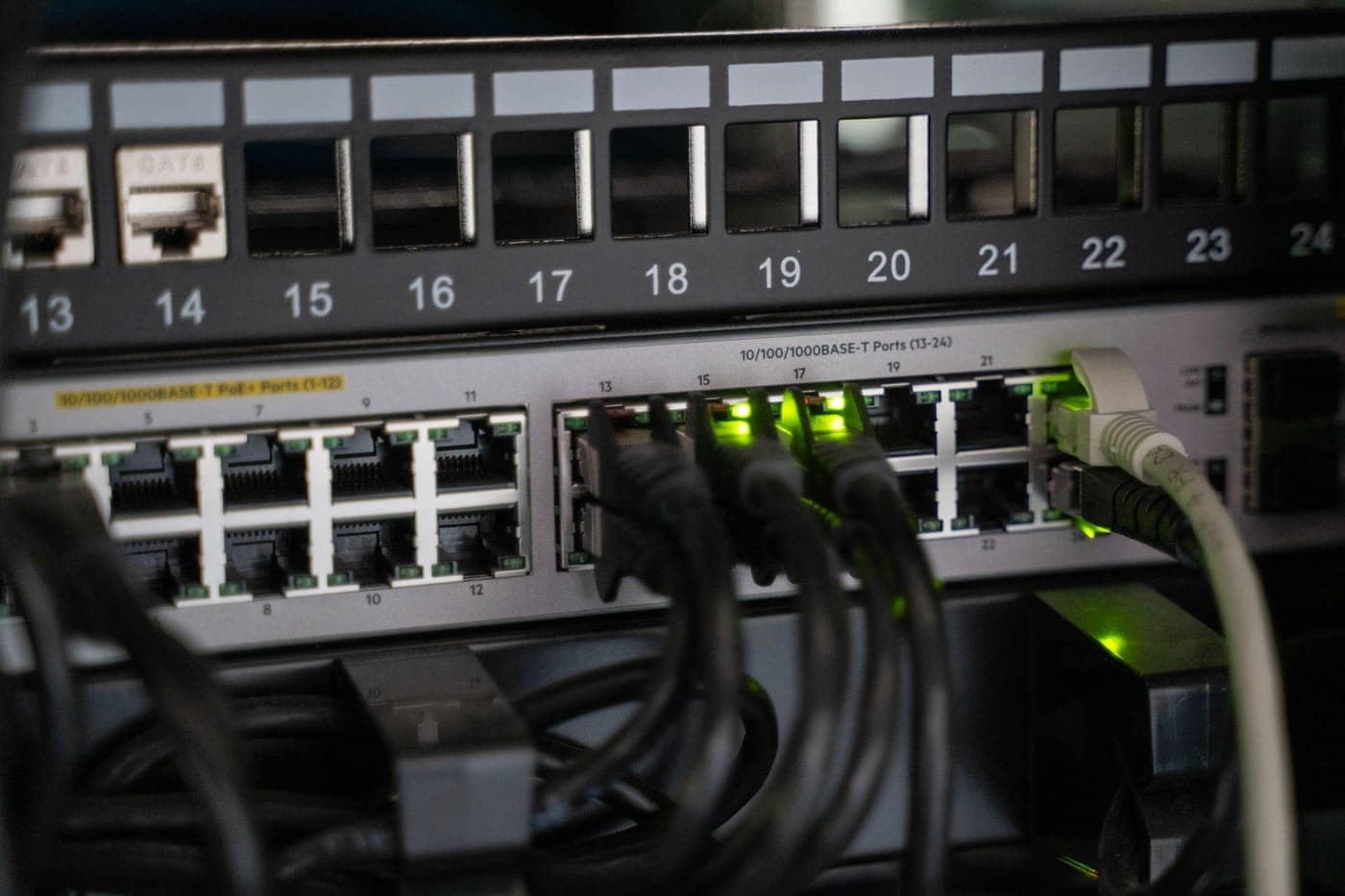
Wi-Fi shares the airwaves with every neighboring network and loses signal strength with each wall it crosses. An Ethernet cable suffers from neither limitation, making network cabling the more reliable connection for a dedicated home office or a television that frequently buffers. Each Cat5e or Cat6 line is routed entirely inside the walls, connecting your central modem and router to a dedicated wall jack in the room that requires a stable connection.
Most homes were never originally wired for high-speed data. Older houses typically feature only a single phone line and a coaxial cable or two for cable television. When Wi-Fi signals fade at the far end of a house, running an Ethernet line to install a wired wireless access point there is often a far more effective solution than upgrading to a stronger router.
A single network line can reach up to 100 meters (328 feet) in length—the maximum distance permitted by networking standards—and both Cat5e and Cat6 cables comfortably deliver gigabit speeds across that entire run. Additionally, this same category cabling can deliver electricity to power access points and security cameras directly through the wire using Power over Ethernet (PoE) technology.
What This Covers
- Cat5e and Cat6 Ethernet lines to the rooms you choose
- Wall jacks and a labeled patch panel
- Wired lines for Wi-Fi access points
- Lines for TVs, game consoles and home offices
- Power over Ethernet runs for cameras and access points
- An outlet where the modem and router sit
Signs It’s Time to Call
- Video calls freeze or drop at the desk you work from
- Wi-Fi is weak upstairs or at the far end of the house
- A TV or game console buffers even on a fast internet plan
- Network cables run along the baseboards or under doors
- A remodel will have the walls open
The Process
Pick the Rooms
You select which rooms and specific devices receive a dedicated wired line, along with the precise placement for each wall jack. Because every individual line must run directly back to your central modem and router, please let us know now if you plan to relocate those main devices.
Find a Way Through
Data cables are typically routed up through the attic or down through the crawl space before dropping inside the wall cavity to reach each jack. A multi-story house or a townhome built on a concrete slab requires more complex routing planning, which sometimes necessitates cutting a small drywall access hole.
Pull and Terminate
Each network line is pulled as a single, unbroken piece of cable and kept structurally isolated from standard power lines to avoid interference. Every run finishes at a dedicated wall jack in its respective room and connects to a corresponding port on a central patch panel.
Label Both Ends
We thoroughly test each line end to end and apply corresponding labels at both the room jack and the central patch panel, ensuring you can easily identify which port feeds which room years down the road.
Common Questions
Do I need Cat6, or is Cat5e enough?
For new cable going into the walls, Cat6 is the usual choice, because the cable is the hardest part to change later and Cat6 can also carry 10-gigabit speeds on shorter runs. If your home already has Cat5e in good condition, there's rarely a reason to rip it out.
Can you use the phone or coaxial cable already in my walls?
Phone cable sometimes can be reused. If your phone jacks were wired with Cat5e, and each jack has its own cable back to one central point, those lines can often be re-terminated as Ethernet. Older four-wire phone cable won't work, and neither will lines that hop from jack to jack.
Coaxial cable doesn't become Ethernet, though adapters can carry a network signal over it.
Do I still need cable if I have mesh Wi-Fi?
Mesh units and access points do their best work when each one has a wired line back to the router, so cable and mesh work well together. For a desk, a TV or anything else that stays in one place, a cable run to the device itself is steadier still, because walls, distance and the neighbors' networks don't affect it.