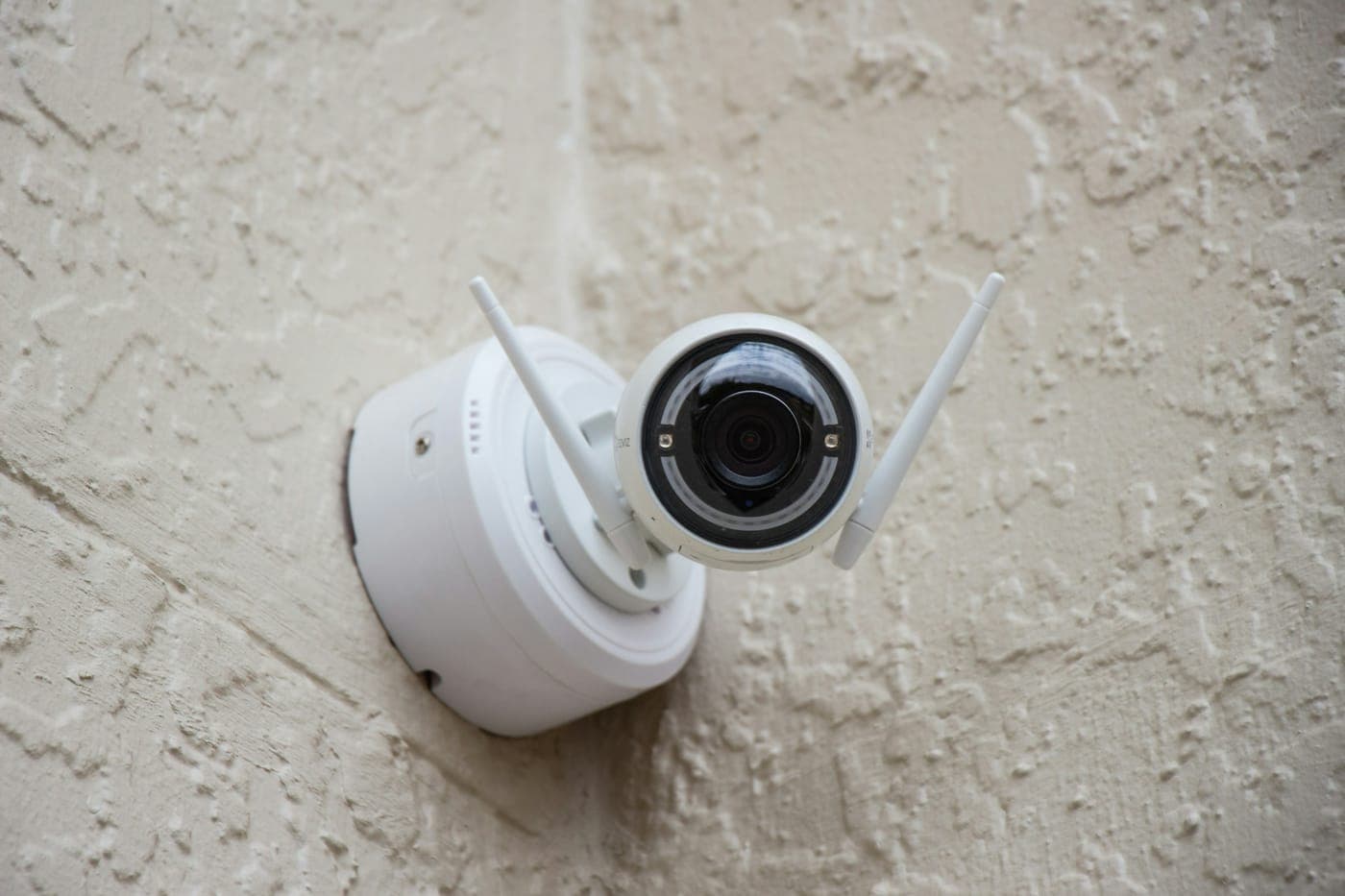
A battery camera requires periodic recharging, and once the battery drains completely, it records nothing. A hardwired camera receives continuous power, and when connected via network cable, its video feed does not rely on Wi-Fi stability. We provide wiring for security cameras, motion detectors, and alarm panels, while ongoing monitoring services are managed independently through whichever security or camera company you select.
Many wired cameras utilize Power over Ethernet (PoE), allowing a single network cable to transmit both electrical power and video data back to an indoor recorder or network switch. Other models connect directly to a standard power outlet, which may necessitate installing a new receptacle under an eave or inside your garage, while floodlight cameras typically mount directly onto an existing electrical box in place of an outdoor light fixture. A standard alarm panel operates using a small, plug-in transformer backed up by an internal battery, with individual wired sensors connected back to the panel via thin, low-voltage cabling.
In a townhome or condominium community, installing hardware on an exterior wall or within a shared common space usually requires prior association approval, so be sure to secure that permission before the cameras are put up.
What This Covers
- Power over Ethernet cable runs for wired cameras
- Outlets under eaves and in garages for plug-in cameras
- Electrical boxes and wiring for floodlight cameras
- Cable for wired motion detectors and alarm sensors
- Power and cable for alarm panels and keypads
- An outlet at the recorder or network switch
Signs It’s Time to Call
- You're tired of taking cameras down to recharge them
- A camera drops off Wi-Fi or records with gaps
- A camera runs off an extension cord or a cord through a window
- You're adding cameras or an alarm and want the wiring hidden
- There's no outlet where a camera, panel or recorder has to go
The Process
Place Each Camera
Together we walk your property to finalize the location for each camera, sensor, and control panel, as well as the indoor spot where your recorder or network equipment will live. You decide the exact field of view required for each camera angle.
Hide the Cable
Network and power cables are routed cleanly through your attic or crawl space, dropped down inside the wall cavities, and passed out through a sealed opening at each fixture, keeping the wiring completely hidden and fully protected from the elements.
Power Where It's Needed
For any device requiring standard line voltage, we install a dedicated electrical box or outlet using weather-rated components, ensuring that any outdoor receptacles feature ground-fault (GFCI) safety protection.
Mount and Check the Picture
We securely mount and connect every piece of hardware, then thoroughly verify the video feed from each individual camera and check the signal strength from every security sensor.
Common Questions
Are wired cameras better than battery ones?
A wired camera never needs charging, and one on a network cable keeps its picture when the Wi-Fi is weak or crowded. It can also record all the time, which battery cameras generally avoid to save power.
Wireless cameras are quicker to put up, and they're fine for a spot with good Wi-Fi.
Does a PoE camera need an outlet nearby?
No, the camera doesn't. Power over Ethernet (PoE) sends low-voltage power and data down the same network cable, so a PoE camera needs only that one cable, which can run up to 100 meters (328 feet) from the switch or recorder that powers it. The switch or recorder at the other end is what needs the outlet.